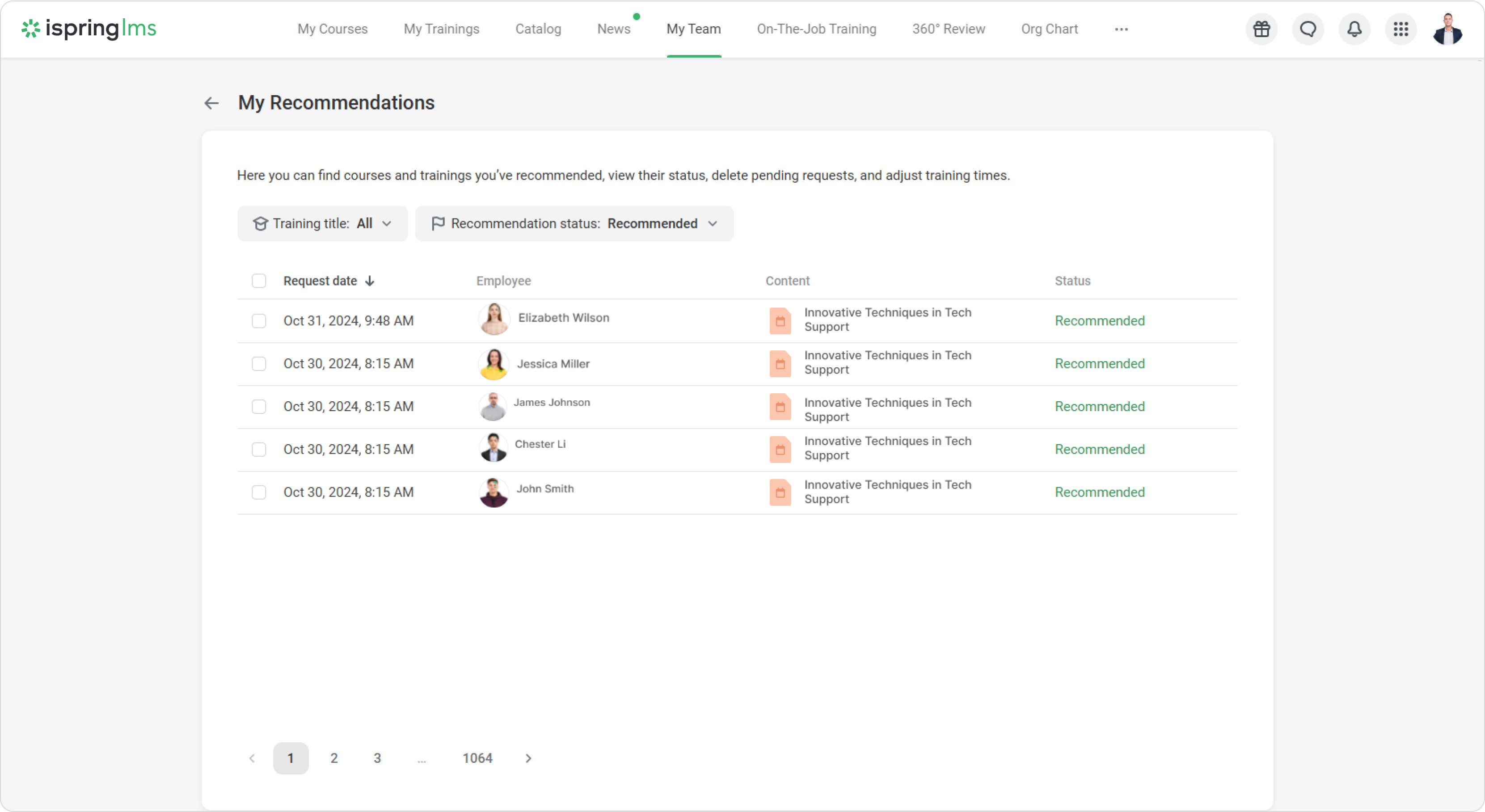
In the My Team section, supervisors can see which courses and trainings they’ve recommended to employees. Their requests will automatically show the status 'Recommended'.
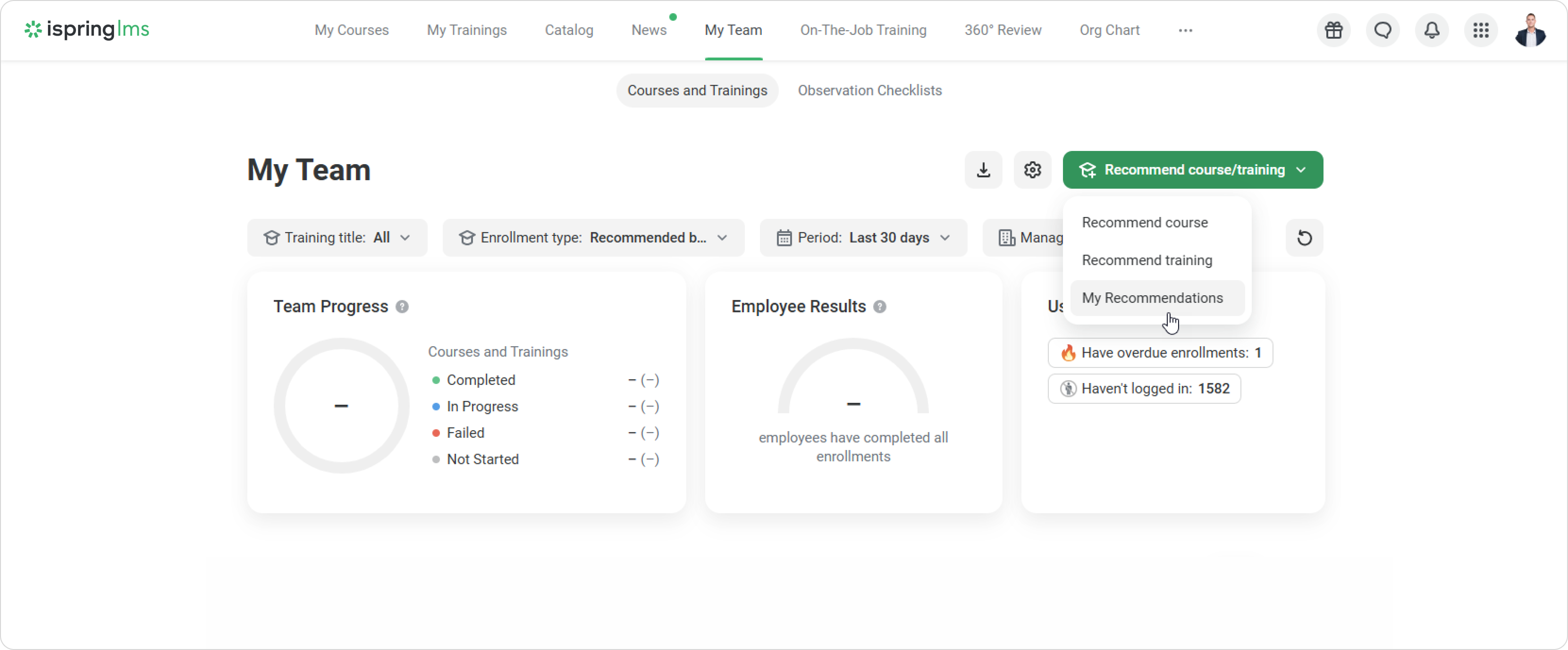
Click on Recommend course/training > My Recommendations.
Check out the content with a Recommended status.
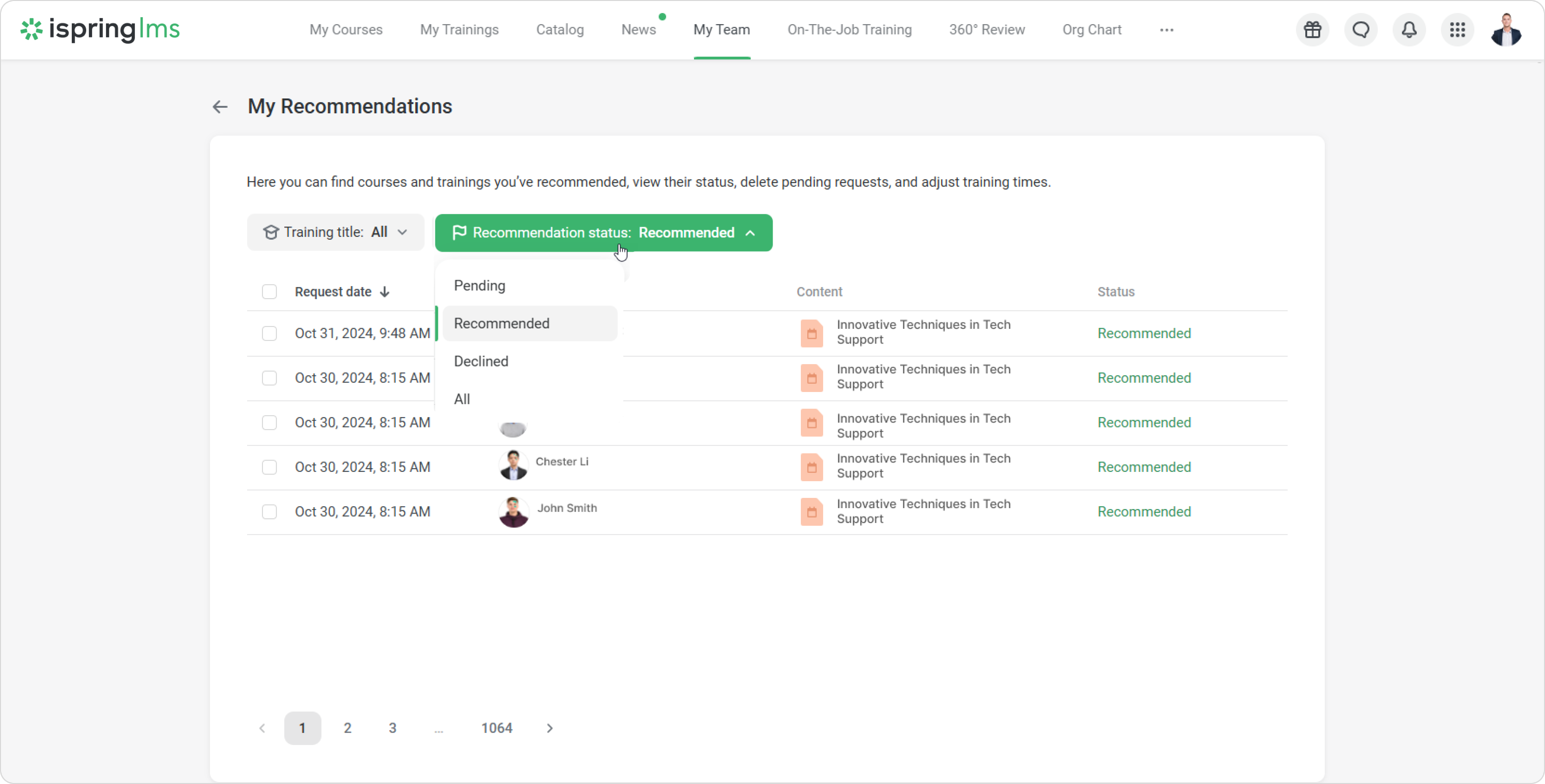
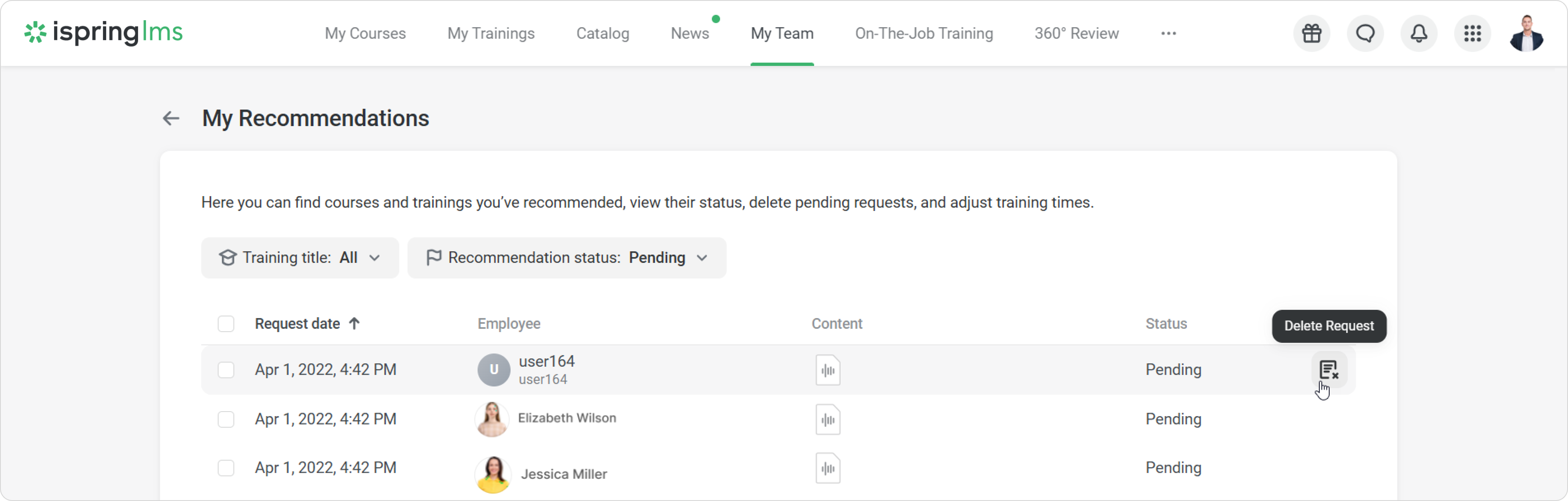
If a supervisor can only send requests for content, the request statuses will be Recommended, Pending, or Declined.